In short
- Production runs on a chain of records: BOM, work order, requisition, purchase, receipt, issue and finished goods. A gap in any one of them shows up later as a shortage or a stock mismatch.
- Customize the workflow around how your plant actually works, but keep the basic records standard.
- Start with the BOM. If it is wrong, every requirement calculated from it is wrong too.
Why production is hard to run on spreadsheets
Most manufacturers start with a mix of Excel sheets, a WhatsApp group and an accounting package. It works while the owner can keep the whole plant in their head. It stops working when there are more products, more customers asking for delivery dates and more people asking the store whether a material is in stock.
The trouble is rarely one big failure. It is small gaps between departments. Sales confirms an order without knowing that one component is short. Purchase raises an order after production has already stopped. The store issues material without recording it, so the stock report says there is enough while the rack is empty. Each gap is minor. Together they decide whether you deliver on time.
The chain of records behind every production order
A production workflow in an ERP links records that each answer one question. Read them in order and you can follow any order from the customer's request to dispatch.
- Bill of Materials (BOM): what goes into one unit of the product, and how much of each item, including sub-assemblies.
- Work order: what to make, how many and by when.
- Material requisition: what the shop floor needs from the store for that work order.
- Purchase requisition and purchase order: what has to be bought because it is not in stock.
- Goods Receipt Note (GRN) and quality check: what actually arrived, and how much of it was accepted.
- Material issue and consumption: what left the store and was used on the job.
- Finished goods entry: what was produced and is ready to sell or dispatch.
When these records are linked, a shortage becomes visible before it stops the line. The system can compare what the open work orders need with what is in stock and on order, and show the difference while there is still time to buy.
Start with the BOM
Almost every number the ERP calculates for production comes from the BOM. If the BOM says four bolts and the product actually uses six, the requirement is wrong, purchase buys too little and the store runs out halfway through the batch.
Before going live, sit with the production head and check the BOMs of your main products line by line. Look out for:
- Units that do not match how you buy, such as a BOM in kilograms for material purchased in coils or sheets.
- Missing consumables and packing material, which are easy to forget and then hold up dispatch.
- Sub-assemblies that you sometimes make in-house and sometimes buy.
- Expected scrap or wastage, where it is significant for the material.
It is unglamorous work, but it decides whether people trust the system's numbers in the first month.
What to customize and what to leave alone
No two plants run the same way. A fabrication unit working to customer drawings plans differently from a plastics plant running the same moulds every week. Some plants send part of the work to job workers. Some need a quality check after every stage, others only on incoming material and the final product. A customized ERP fits these differences instead of forcing the plant to work around the software.
A useful rule is to customize the flow, not the foundations. Approval steps, production stages, where quality checks happen and the document formats your customers and vendors expect are good candidates. The basic records, such as items, BOMs, stock and ledgers, should stay standard so that reports add up and later changes stay simple.
How BS SOFT approaches production workflows
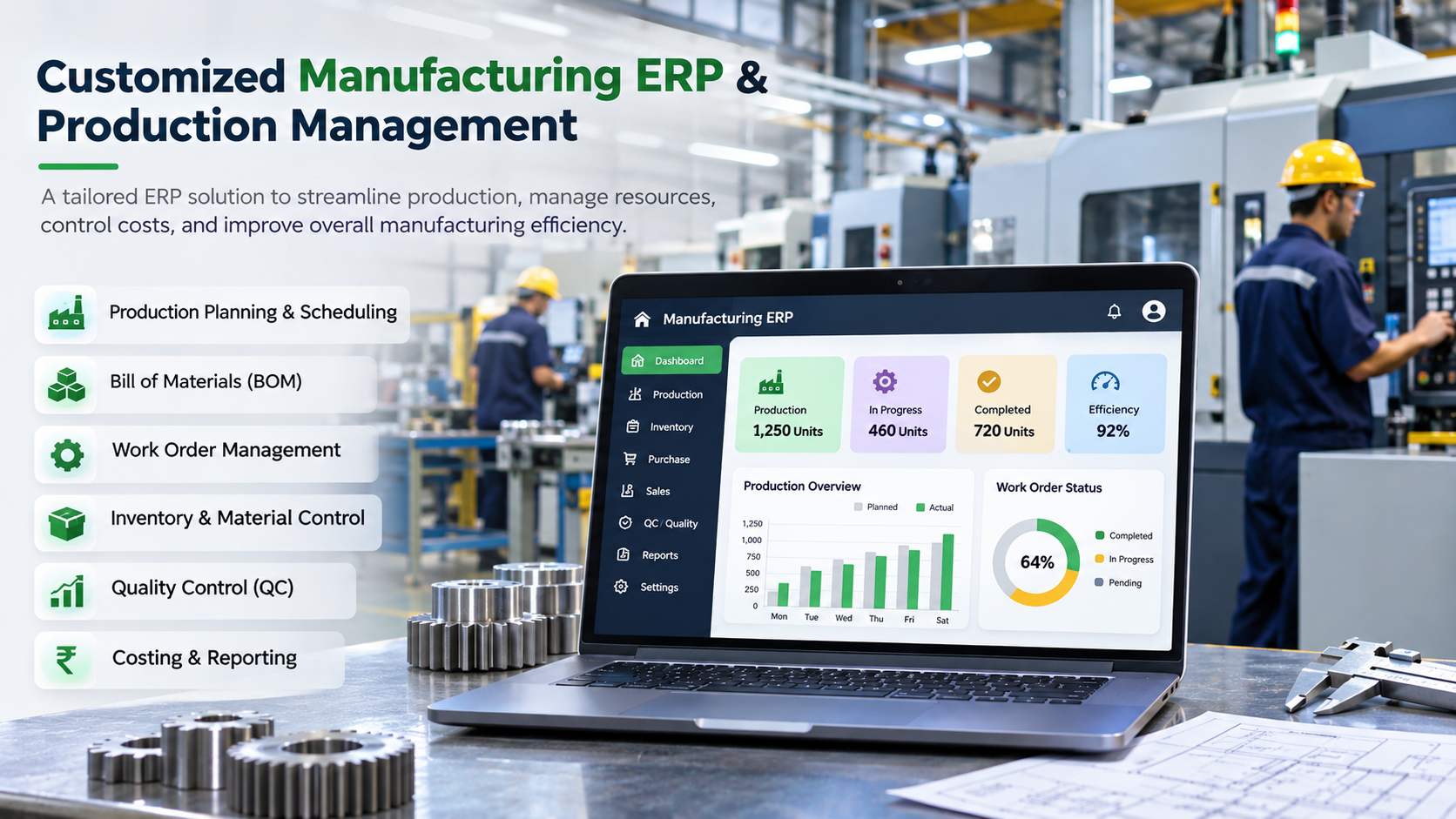
BS SOFT INDIA provides customized production workflow solutions that connect material planning, inventory, purchasing and production. Work orders, Bills of Materials, material requisitions, purchase planning, production stages and finished goods records are managed according to each business's operational requirements.
The aim is practical: clear visibility of material requirements, production that can be tracked stage by stage, and manufacturing records organized well enough to answer a customer's question about their order without a walk to the shop floor. What exactly is set up depends on your process, which is why the work starts with understanding it.
Questions to ask in a demo
- Show one of our products going from BOM to finished goods, with a shortage on the way.
- What happens to open work orders when a BOM changes?
- Where do I see what is short for this week's work orders?
- How is rejected material kept out of usable stock?
- Which parts of this workflow can be changed for our plant, and which are fixed?