In short
- The BOM is the recipe every production and purchase calculation depends on.
- Use multi-level BOMs for products with sub-assemblies, so each stage can be planned on its own.
- Treat every BOM change like an engineering change: approved, dated and communicated.
What a BOM is
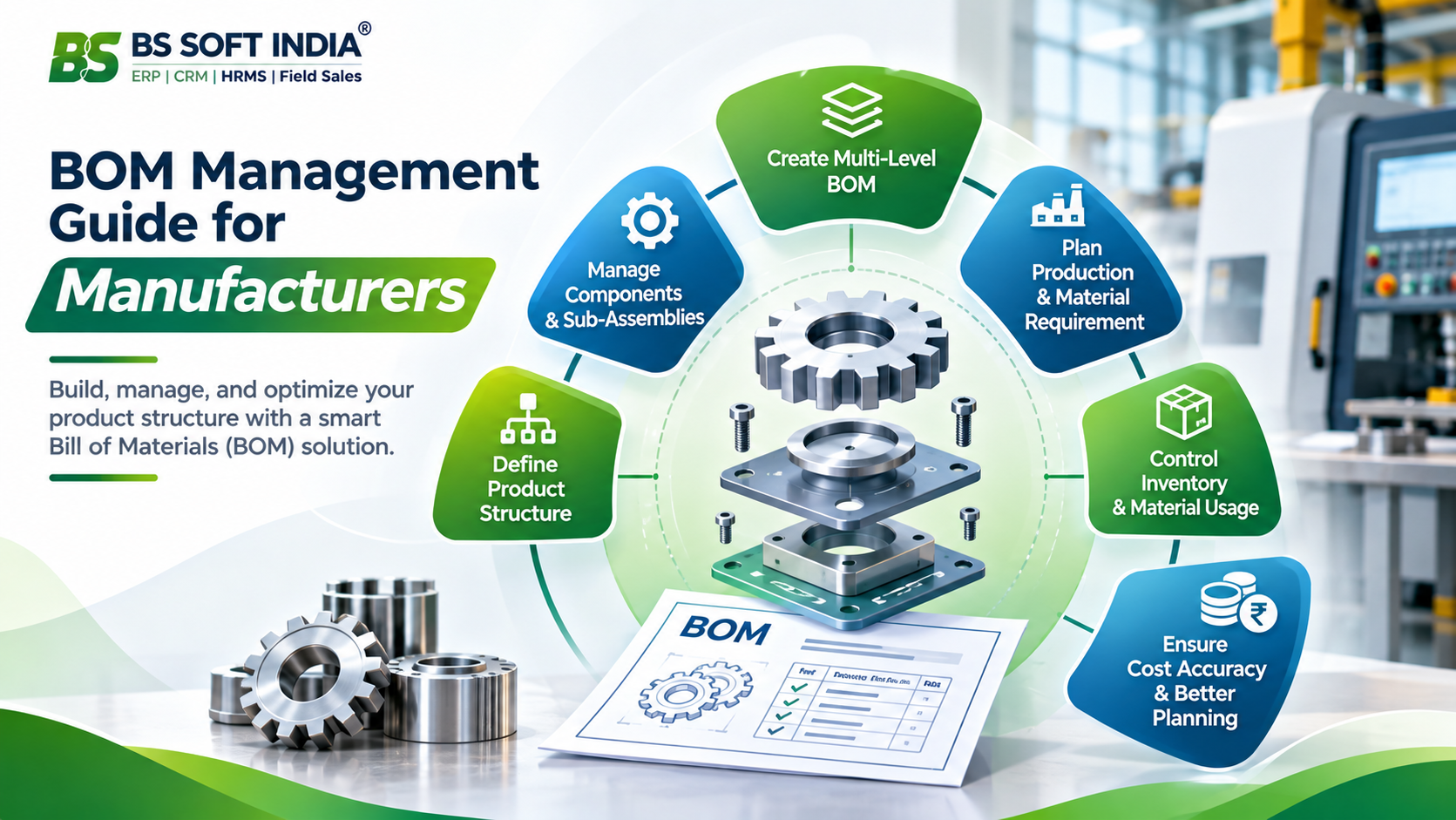
A Bill of Materials lists everything needed to make one unit of a product: raw materials, bought-out parts, sub-assemblies, consumables and packing, each with a quantity and a unit. It is the factory's recipe.
In an ERP the BOM is more than a document. Work orders use it to calculate material requirements, the store uses it to issue material, purchase uses it to see shortages, and costing uses it to estimate what a product should cost. A wrong BOM passes its mistake on to all of them.
What each BOM line should contain
- Item code and description, matching the item master exactly.
- Quantity per unit of the finished product.
- Unit of measure, and how it converts to the unit you buy in.
- Whether the item is made in-house, bought, or sent for job work.
- Expected scrap or wastage, where it is significant.
- Anything the shop floor needs to know, such as a grade or a drawing reference.
Single-level or multi-level
A single-level BOM lists every component directly under the finished product. It suits simple products made in one step.
Most engineered products are built in stages. A machine has a frame assembly, a drive assembly and a control panel, and each of those has its own components. A multi-level BOM reflects that: the finished product lists its sub-assemblies, and each sub-assembly has a BOM of its own. Each stage can then be planned, stocked and tracked separately, and a sub-assembly can be reused across several products.
Common BOM mistakes
- Units that do not match: the BOM says metres, purchase buys coils and the store issues pieces.
- Consumables left out, such as welding wire, paint or packing, which then hold up dispatch.
- One BOM used for several variants that actually differ in a few components.
- Old components still listed after a design change.
- Quantities rounded for convenience, which add up over a large batch.
Managing changes
Products change. A supplier's part is replaced, a design is improved, a customer asks for a variant. Each change should be a deliberate update to the BOM, not a note on a job card.
- Record what is changing and why.
- Have the change approved by whoever owns the product, usually production or design.
- Decide from when it applies: new work orders only, or open ones as well.
- Tell purchase and the store, so old stock and open purchase orders are dealt with.
- Keep the previous version, so past orders can still be traced.
BOMs in BS SOFT
In BS SOFT's Production Management solution, the Bill of Materials sits at the start of the production workflow, together with work orders, material requisitions, purchase requisitions and purchase orders. Businesses can track material requirements, check stock availability, identify shortages and start purchasing when more material is needed.
Because production planning is connected with inventory, GRN and quality control, the record that defines a product also drives what is bought, received, issued and consumed.